
The procedures in this topic assume you have already used Site Manager to configure a server and its websites and directories. Only the steps needed specifically to configure SSL/TLS are shown. For more information about configuring a server with the Web Transaction Server Site Manager, refer to the Web Transaction Server for ClearPath MCP Site Manager Help.
Specifying a Server Port Configured for SSL/TLS Support
In this example, 443 is used as the SSL/TLS port number.
| Note: | The default port number for HTTP over SSL/TLS is 443, just as 80 is the default port number for HTTP. |
-
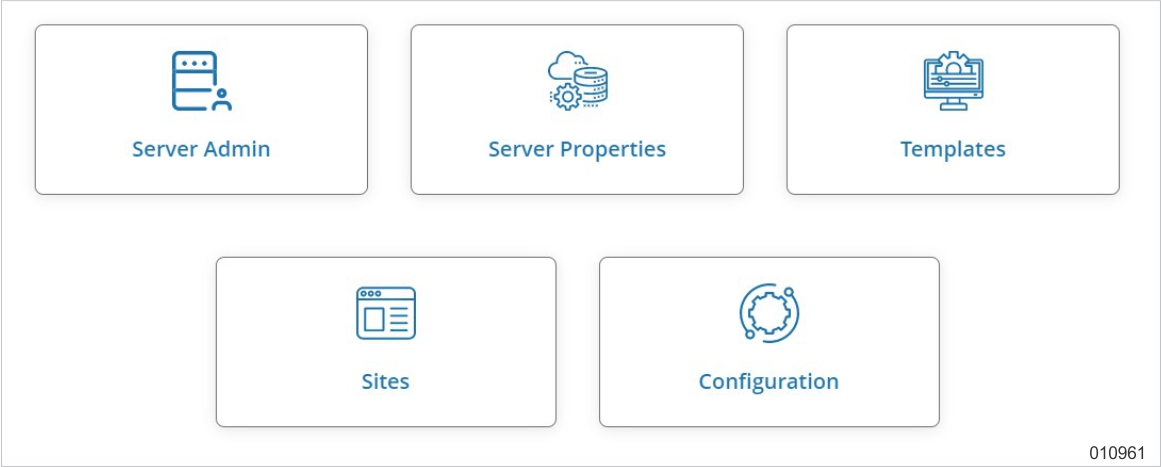
Select the Server Properties card.
-
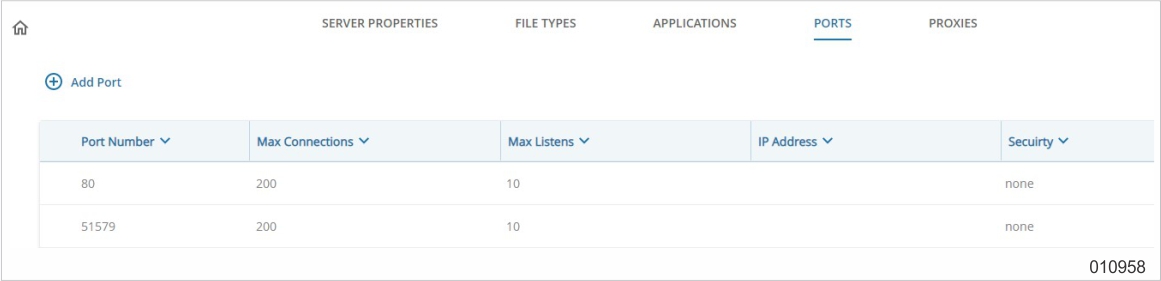
Select the Ports tab.
-
Choose Add to add a port for SSL/TLS.
-
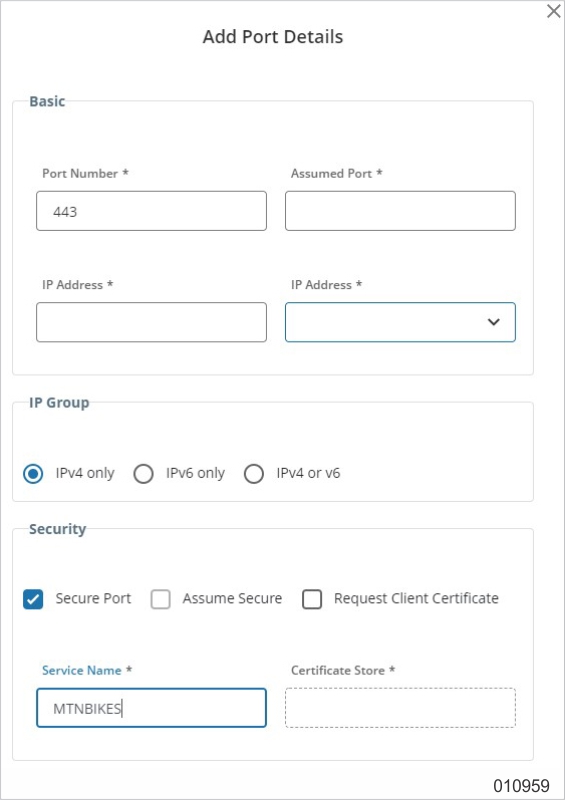
Enter 443 in the Port Number box, select Secure Port, then enter MTNBIKES in the Service Name box.
-
Enter appropriate values in the Max Listens (8 is the default and 2000 is the maximum) and Max Connections (2000 is the default and 10000 is maximum) boxes. The defaults for these boxes are different for SSL/TLS ports than they are for non-SSL/TLS ports.
Specifying Web Sites Configured for SSL/TLS Support
-
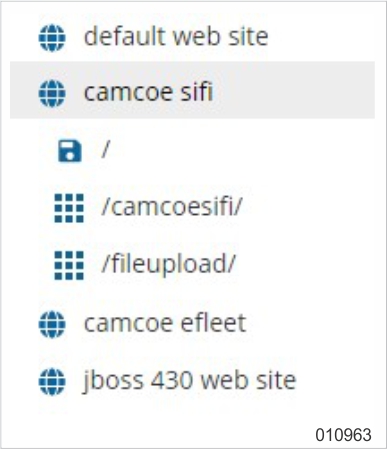
Select (on the Web site tree) the Web site for which you want to configure SSL/TLS.
-
On the Web Site tab for the Web site that you want to configure, do the following:
-
In the DNS Name field, enter the DNS Name for your website.
For example, www.mountainbikes.com.
-
In the TCP port box, if a nonsecure port for the Web site is desired, select a port (for example, 80). Otherwise, select none.
-
In the SSL port box, select 443.
-
Specifying Level of Encryption for Virtual Directories and Physical Directories
-
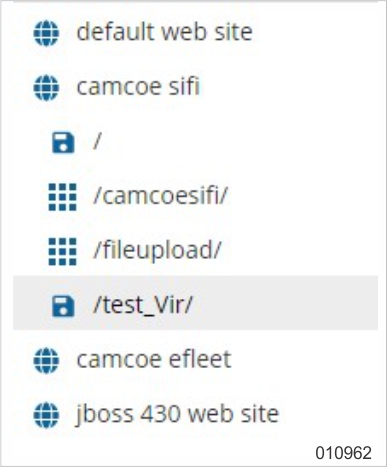
Select the virtual directory or physical directory for which you want to configure the level of encryption.
-
Select the Security tab.
-
In the Secure Communications field, select one of the following:
-
SSL
-
SSL 128 bit encryption
Select SSL 128 bit encryption if the Enhanced Provider is loaded in all Windows environments of your ClearPath MCP server and you want to specify that only browsers capable of 128 bit encryption can access this directory.
Use the operation interface command NW TCPIP SSL CIPHERS to check if the Enhanced Providers is loaded in the Windows environments.
-
